 AIVideoFree
AI Video Generator
Create stunning videos with the power of AI. Transform your ideas into visual masterpieces in seconds.
(JPG, JPEG, PNG, WEBP, max 30 MB)
Free AI Video Generator — from prompt to 1080p clip in about 30 seconds
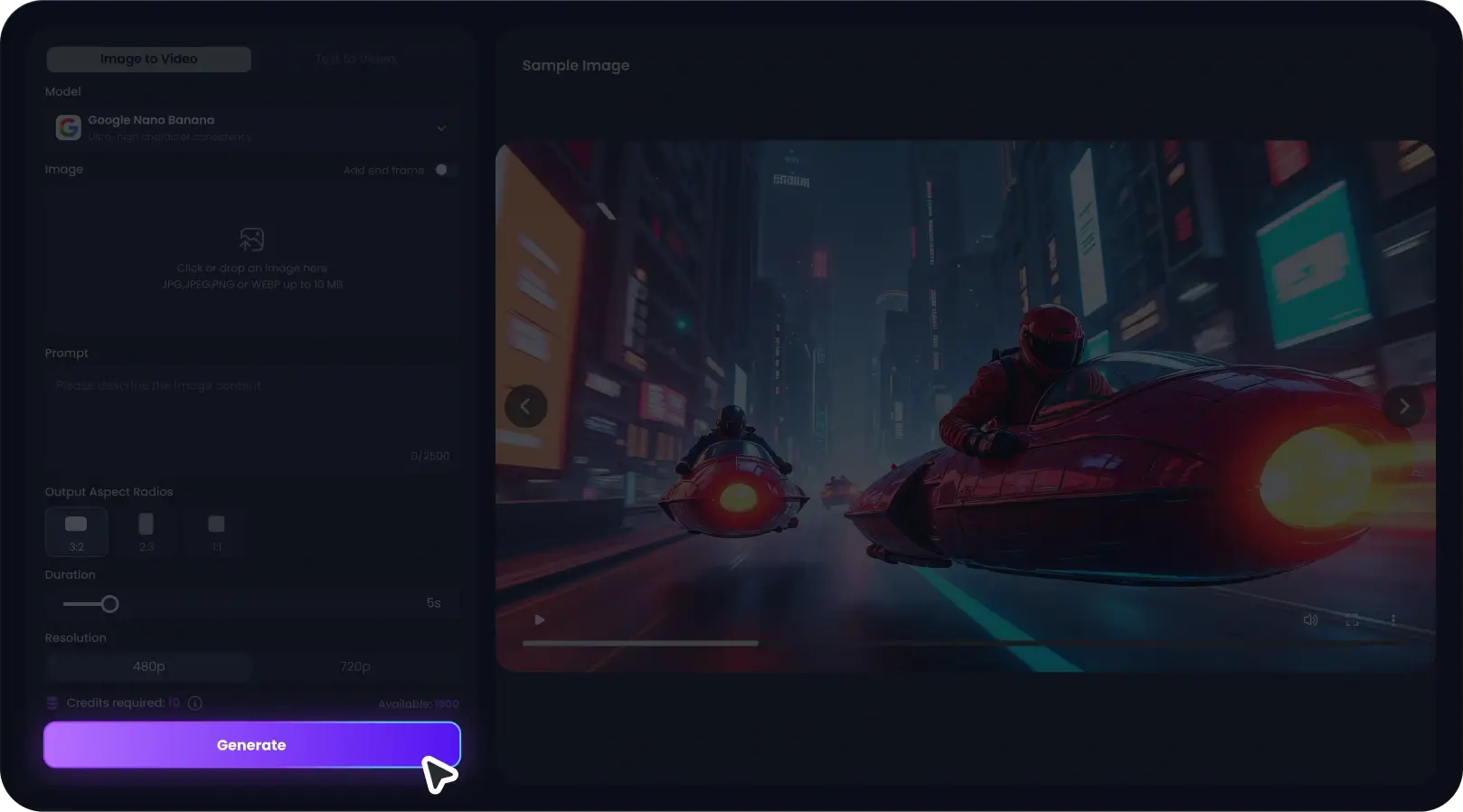
Type a scene or drop in a photo, pick a model, press generate. No sign-up for your first three videos today, and failed renders never count against you.
3 free per day · no card, no account
One prompt box, three of the best video models One prompt box, three of the best video models
Most "free AI video generators" are a thin wrapper around a single model. We do it differently: the same prompt box connects to Veo, Kling and Seedance, so you can render the identical prompt on each and keep whichever clip looks right. Model access is what you're really paying for elsewhere — here the fast tiers are free every day.
Drafts in under a minute
A 5-second clip on Seedance Fast renders in roughly 25-45 seconds. Slow enough to sip coffee, fast enough to iterate a prompt five times before a meeting.
Start from your own image
Upload a product shot or character frame and the model animates it instead of inventing one. This is the single biggest fix for inconsistent results. Need the still first? Make it with our image generator.
Failed jobs cost nothing
Roughly 2-3% of generations fail at the model level. When that happens your quota is refunded automatically — you shouldn't pay for a spinner that ends in an error.
Pick the model for the job, not the one you're locked into
We update this lineup as new versions ship. Current guidance from our own testing, not the marketing pages:
The realism pick. Native audio, physical light behaviour, the fewest melted hands. Use it for anything that has to pass as footage.
Best human motion and facial expression. Dancers, gestures, lip-adjacent movement — Kling holds up where others go rubbery.
The workhorse. Fastest renders, cheapest credits, surprisingly good camera moves. Draft here, then re-render keepers on Veo.
Built for short-form, ads and previsualisation
TikTok & Reels b-roll
Product ads from a photo
Storyboards & pitch previz
Music visuals
Bring old photos to life
Concept & game art in motion
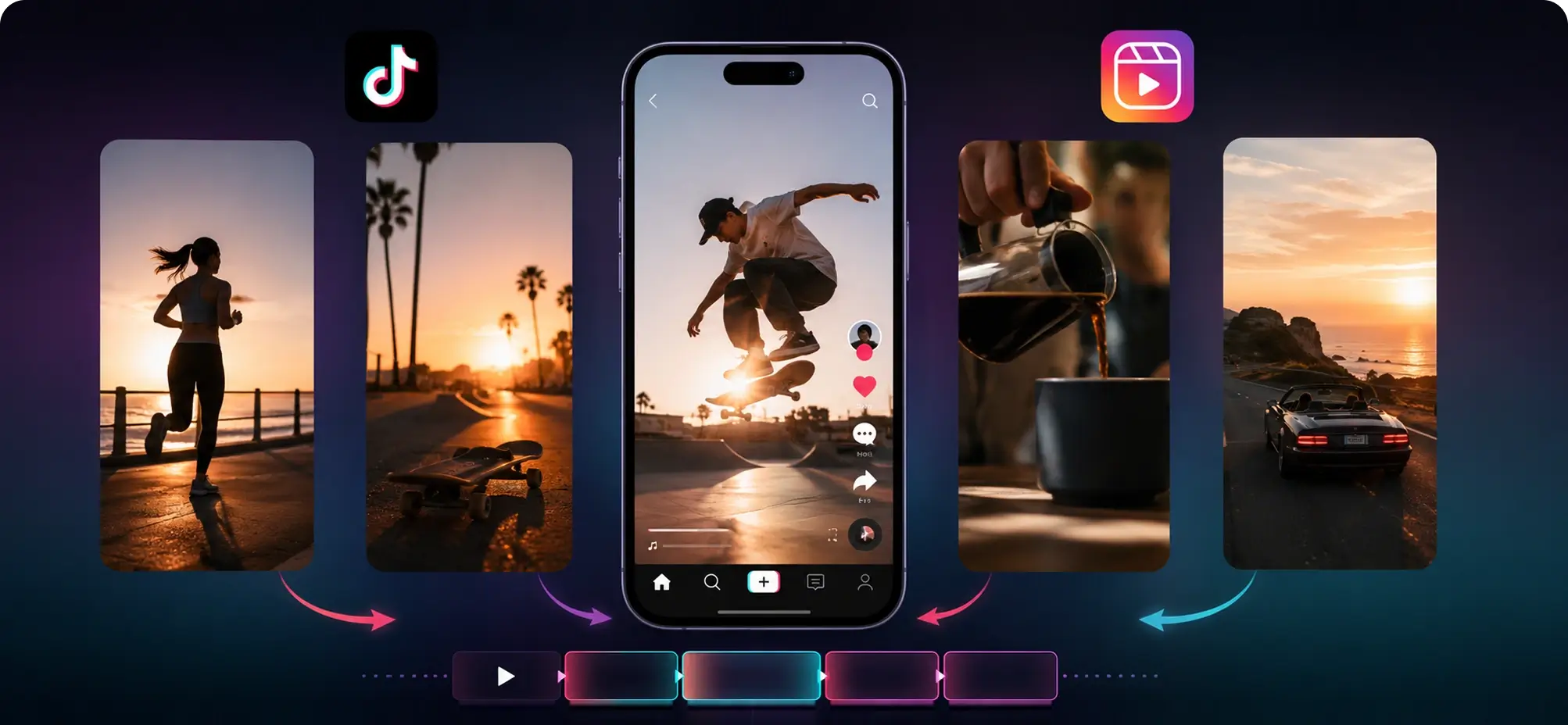
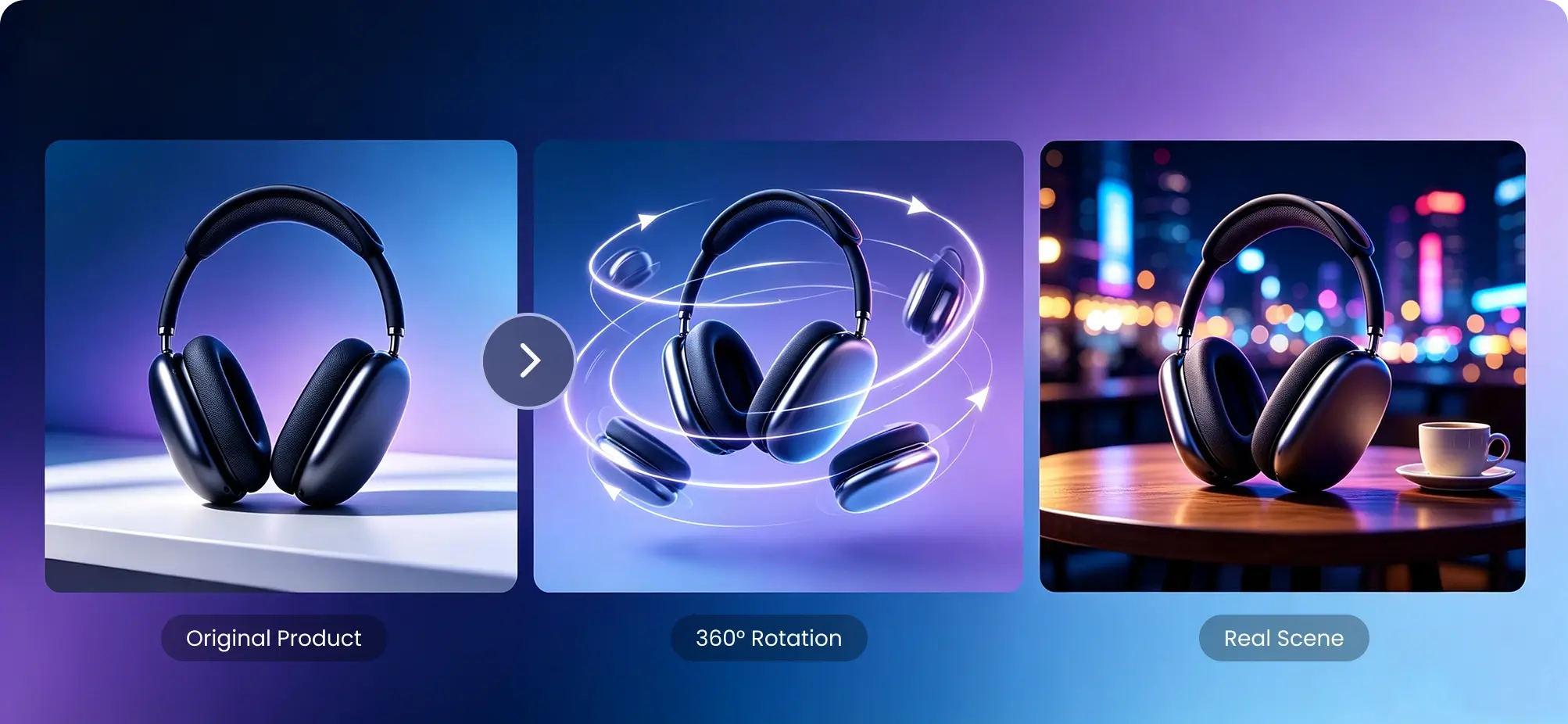
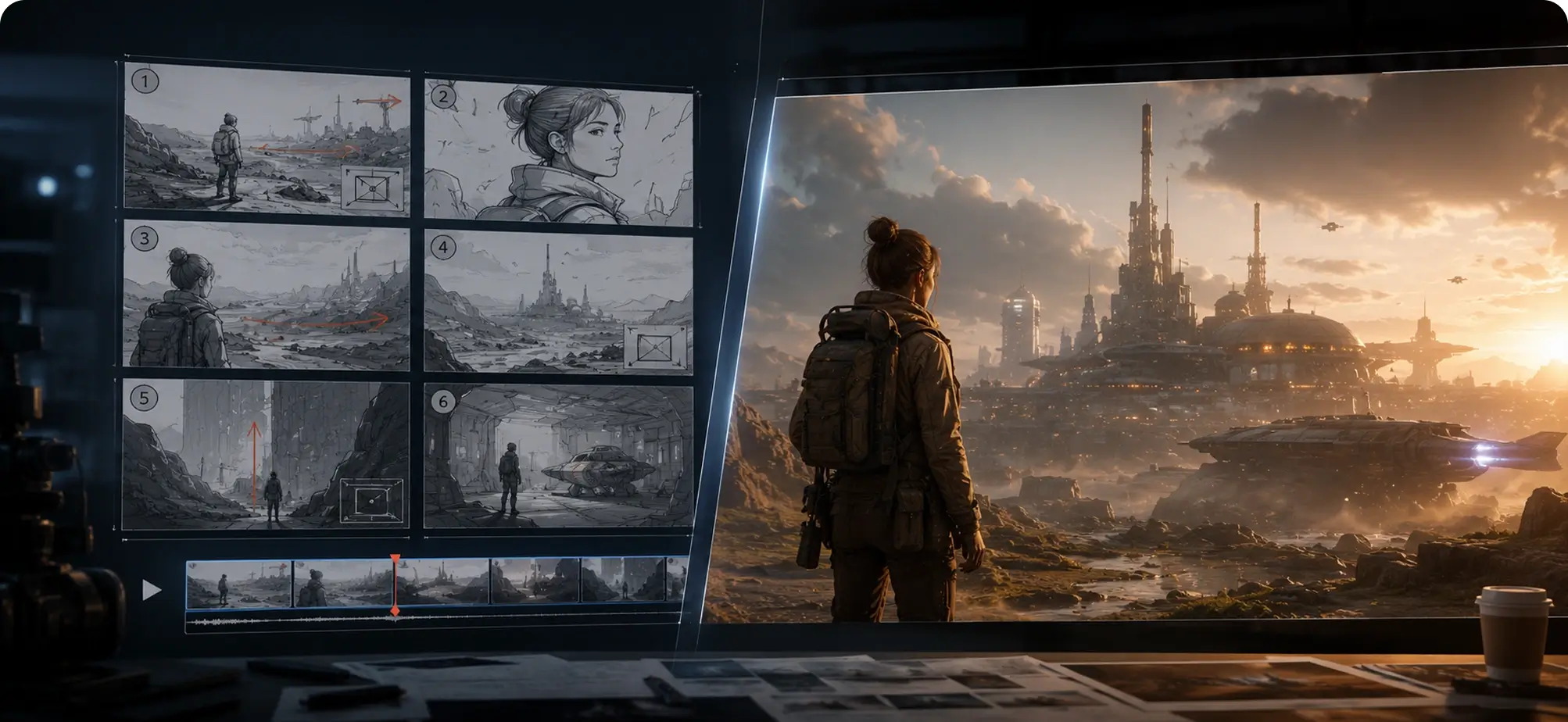
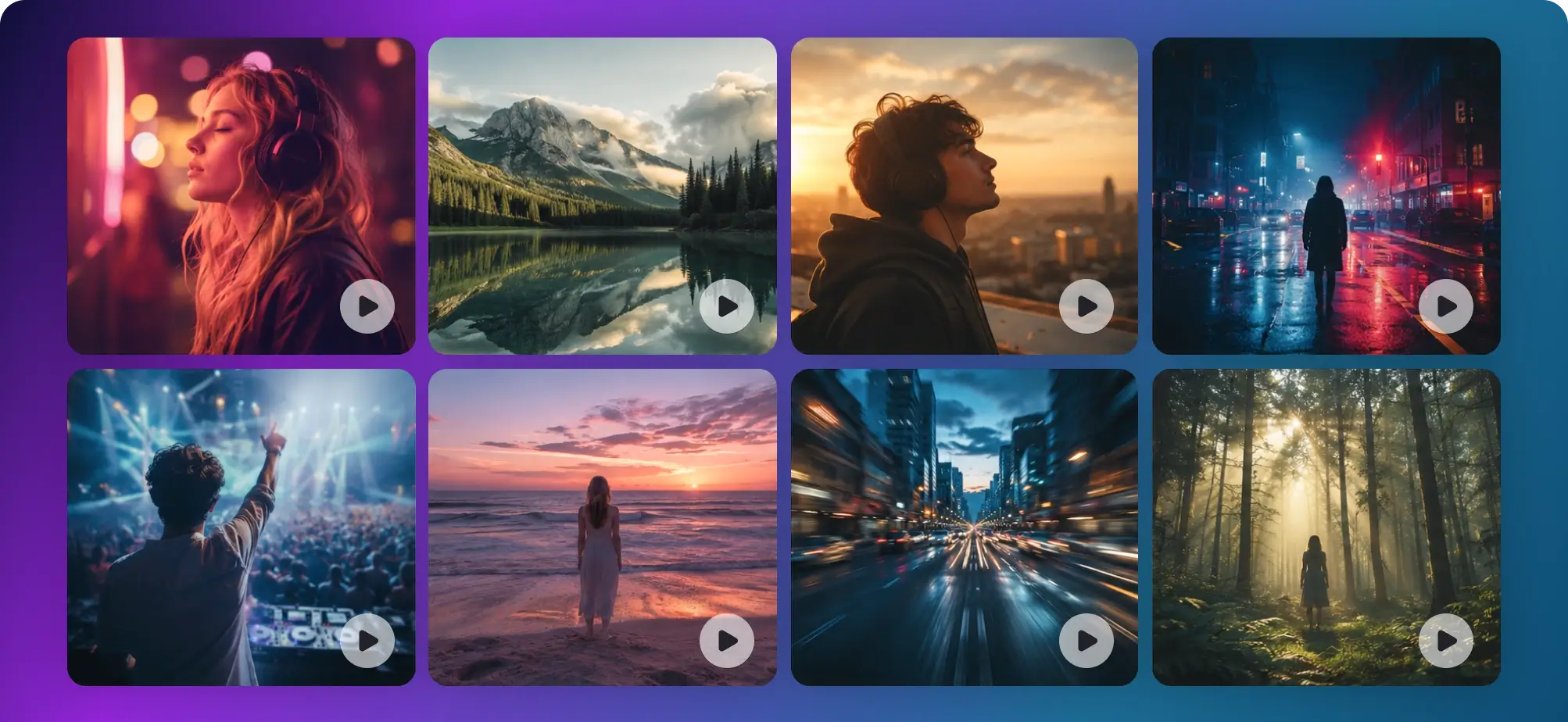
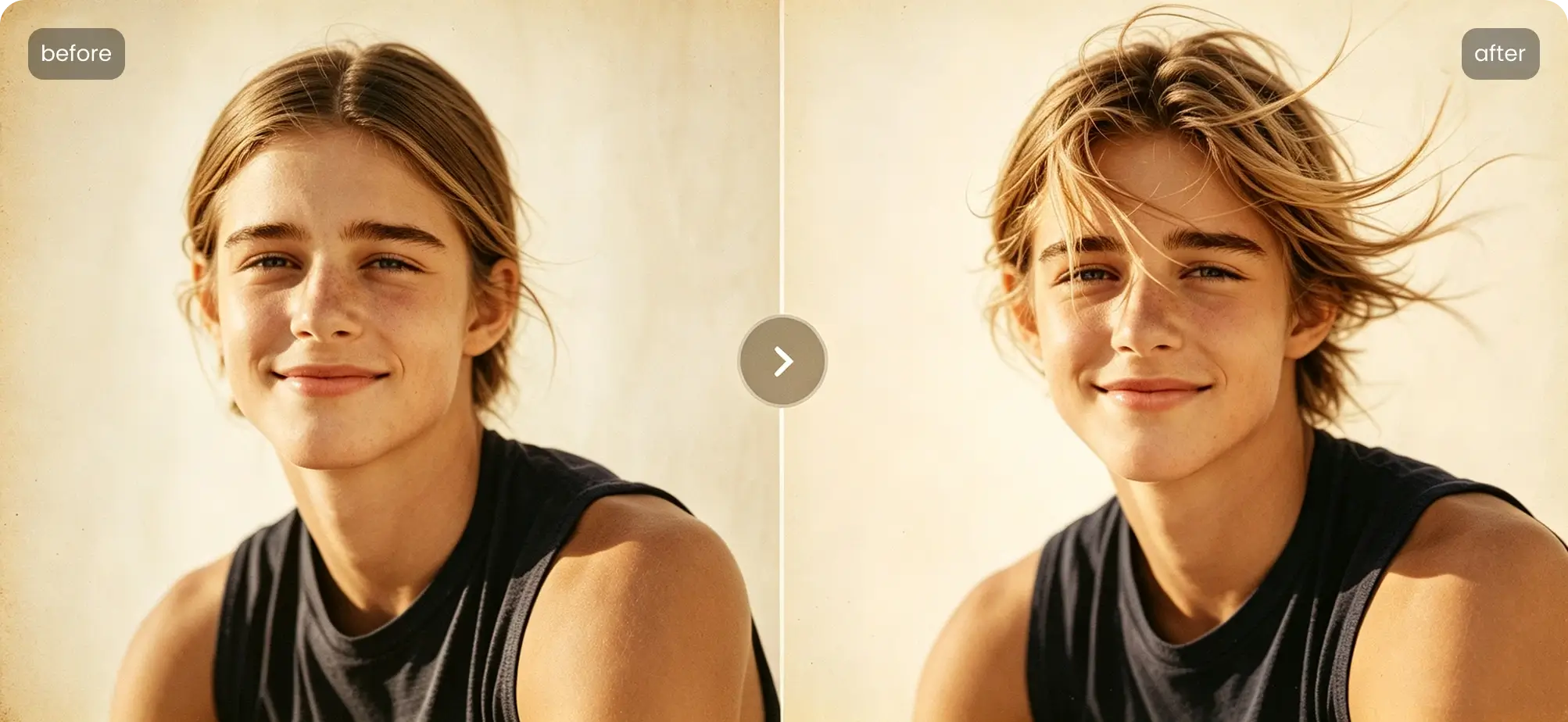
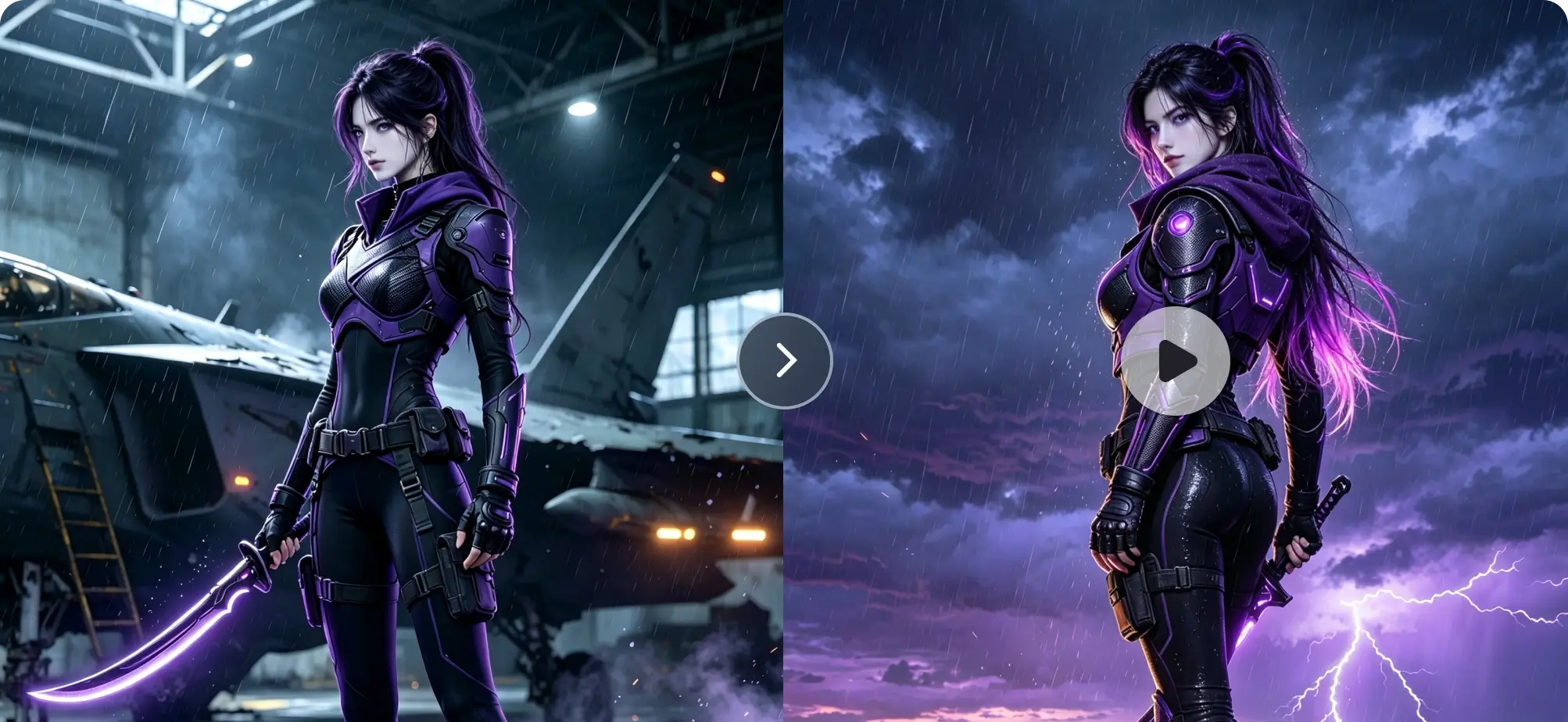
Vertical 9:16 clips to cut between talking-head segments. Most creators chain three or four 5-second generations into one post rather than trying to nail a single long take.
Three steps, no tutorial needed
Describe the shot
Write what the camera sees: subject, setting, light, camera move. "Slow dolly-in on a lighthouse at dusk, waves below, warm lamp light" beats a paragraph of adjectives. Or upload an image and describe only the motion.
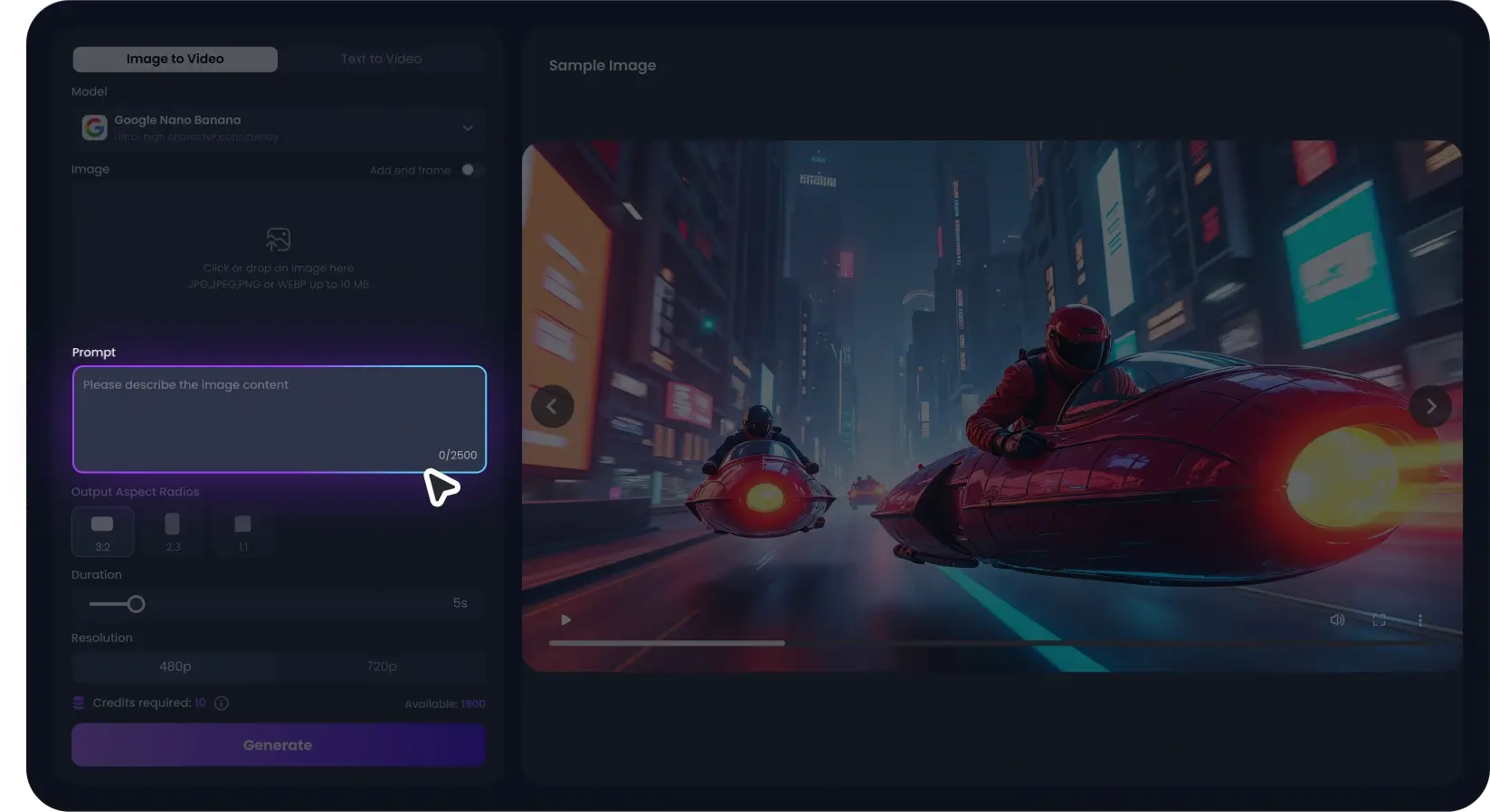
Pick model & format
Choose 16:9 for YouTube, 9:16 for TikTok and Reels, 5 or 10 seconds, and a model. When unsure, draft on Seedance — it's the fastest way to find out if the idea works.
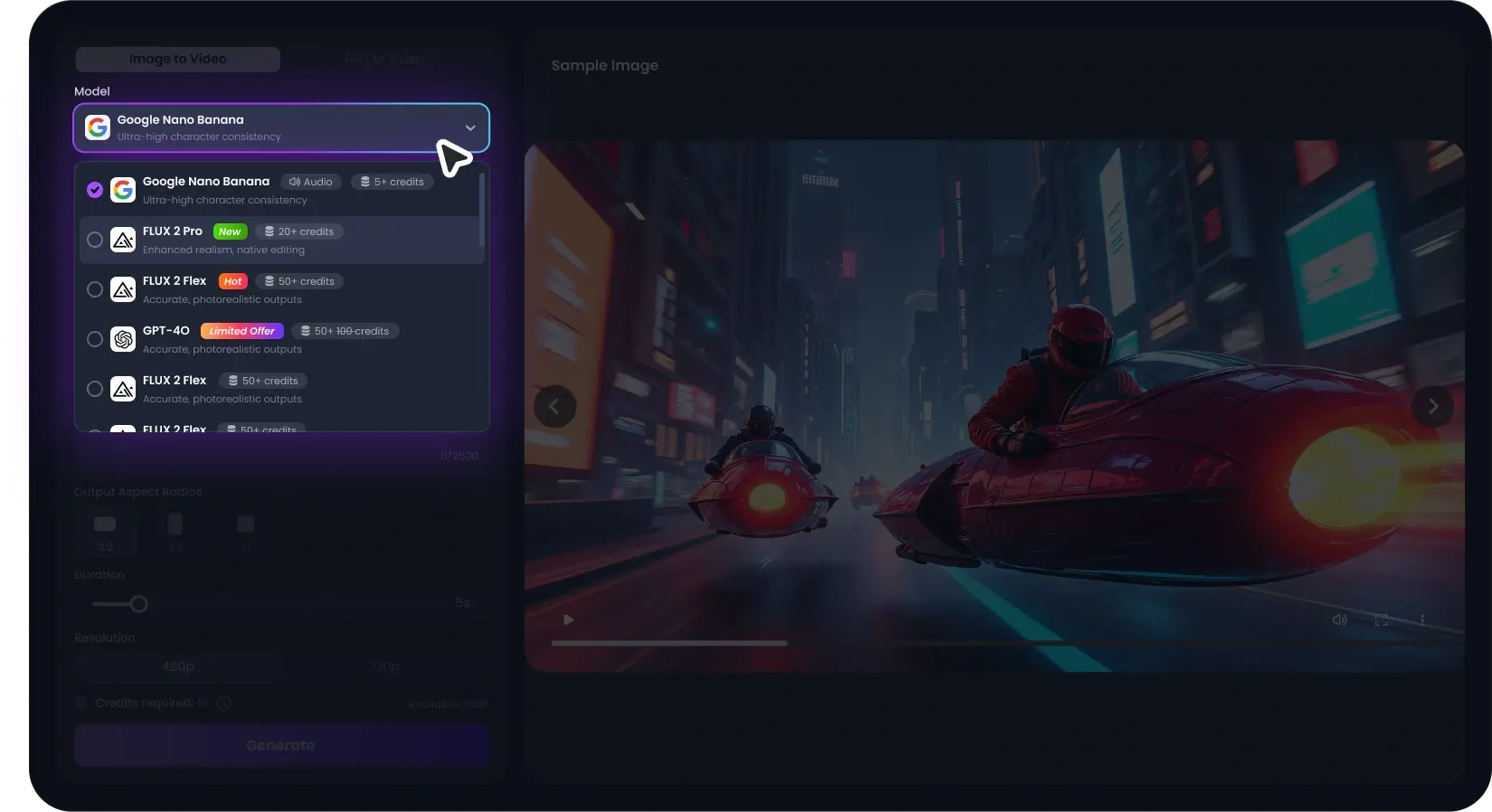
Generate, compare, download
Render, then re-run the same prompt on another model if you want a second take. Download as MP4. Paid clips are watermark-free and cleared for commercial use.
What free gets you—and what it doesn't
Every tool in this category says "free." Here's our actual line, so you're not surprised at checkout:
- Generations per day: 3
- Resolution: 720p
- Watermark: Small corner mark
- Models: Seedance Fast
- Commercial use: Testing only
- Generations per day: 6
- Resolution: 720p
- Watermark: Small corner mark
- Models: + Kling Standard
- Commercial use: Testing only
- Generations per day: Credit-based
- Resolution: Up to 1080p
- Watermark: None
- Models: All, incl. Veo
- Commercial use: Yes
What people actually say
I run the same prompt on Seedance and Kling side by side and keep the better one. That comparison alone is why I stopped juggling three subscriptions.

The refund-on-failure thing sounds minor until you've used tools that eat credits on errors. It's the reason I trusted this one enough to upgrade.

We previz pitch decks with it. Clients don't know Veo from a hole in the ground — they just see their product moving, and that closes rooms.

Questions we get every day
Yes, with limits we'd rather state up front: 3 free generations a day without an account, at 720p with a small corner watermark. A free account raises that to 6. Paid plans remove the watermark, unlock 1080p and longer clips, and add Veo. There's no trick where "free" means "free trial."