 AIVideoFree
AI Photo Generator
Photorealistic images from a description: headshots, product shots, lifestyle frames — the pictures a camera would have taken. Ten models, three free drafts a day, no account.
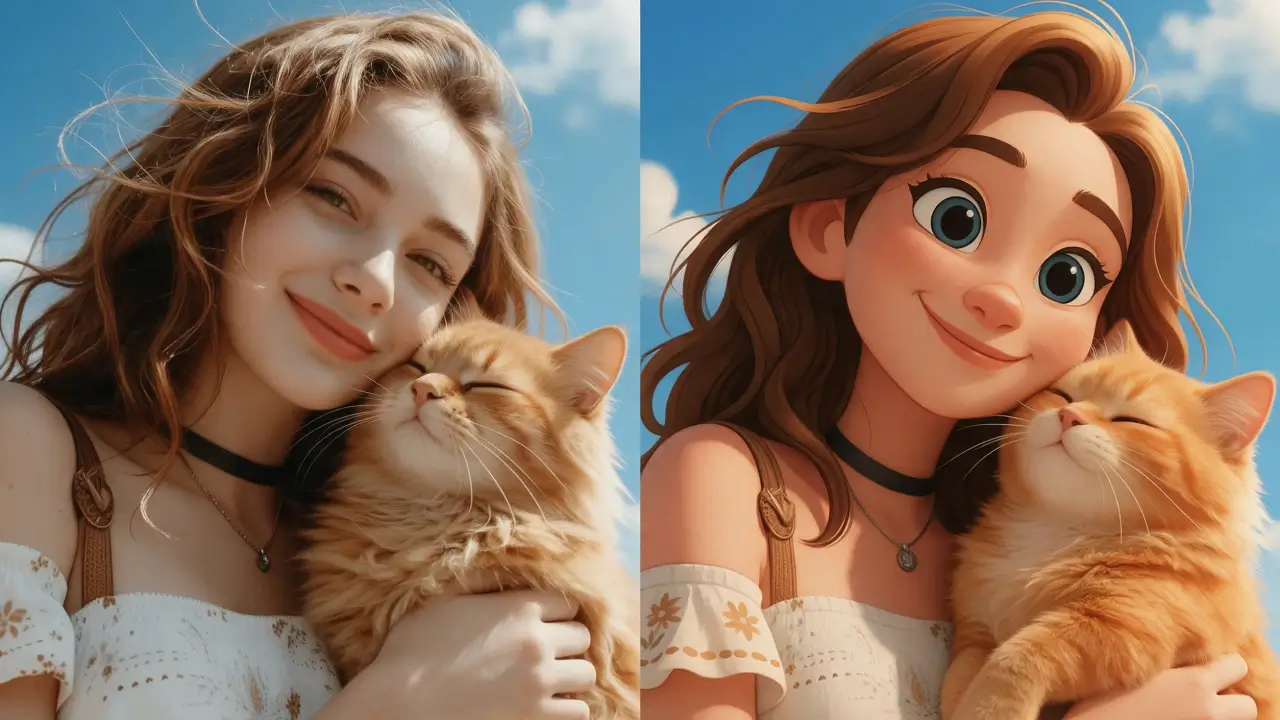
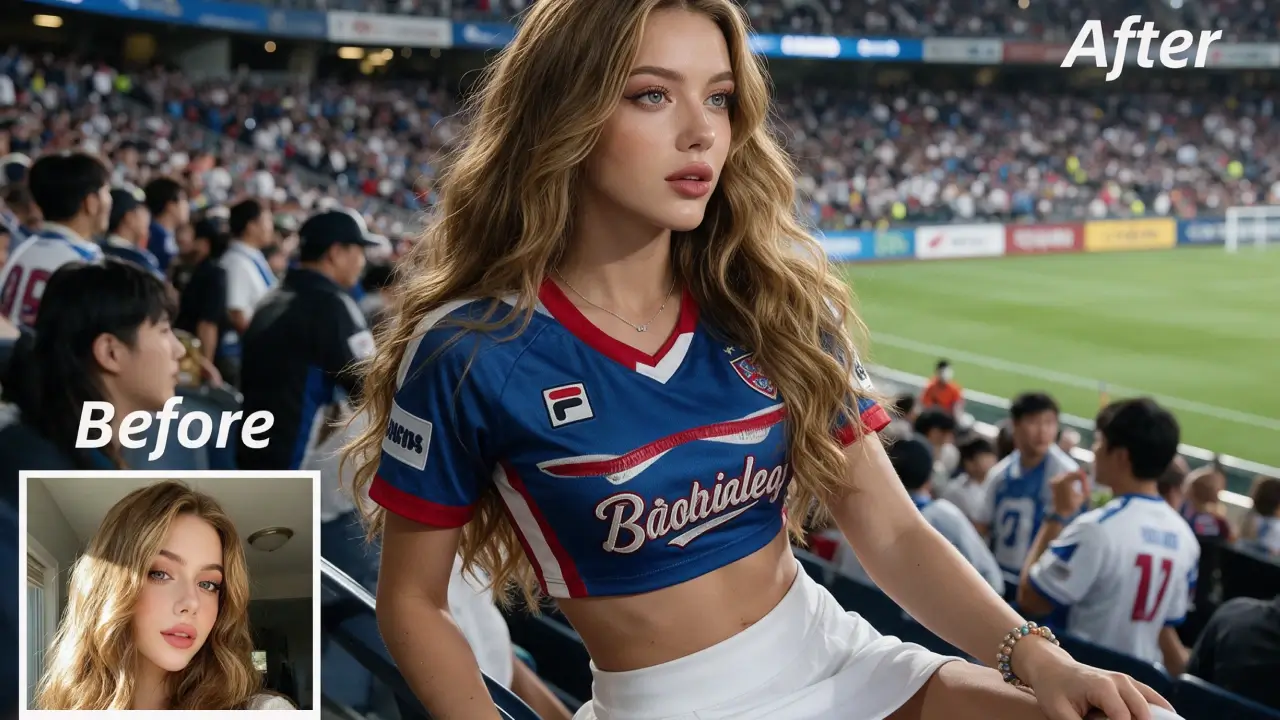
Input
A prompt, optionally a reference
Models available
10, selectable per job
Best at
Portraits · product · lifestyle
Max resolution
Up to 4K on Nano Banana 2
References
Up to 14 on some models
Free tier
3 drafts daily, no account
Typical time
5–40 seconds
Our one-line verdict: prompt like a photographer, not a painter. Focal length, light direction and film stock do more for realism than any adjective — and this page is mostly about that.
There's a real difference between asking for an image and asking for a photograph, and it lives in the vocabulary. Prompts full of adjectives — beautiful, stunning, highly detailed — produce the glossy AI look everyone can now spot at a glance. Prompts written like a camera setup — 50mm, side light from a window, shallow depth of field, slight grain — produce pictures that read as photographs. Same models, completely different output. This page is the photorealistic corner of the site: headshots, product shots, lifestyle frames and stock-style images, with the routing to whichever of the ten models suits the job. For illustration, design and text-heavy layouts, the main image generator covers the wider ground.
How to generate a photo with AI in 3 steps
Write it like a camera setup
Subject, lens, light, depth of field, mood — in that order. 'A 50mm portrait at a café window, natural side light from the left, shallow depth of field, slight film grain.'
Draft it free
Run it on the free tier first. You're checking composition and light — both visible at draft quality, and iterating here costs nothing.
Pick the model and finish
Switch to whichever model suits the job — the table below routes you — and re-run the same prompt for the clean version.
What people generate
Product photography without a studio
A packshot on marble in morning light, then the same product on a wooden counter, then on a café table. Three sets that would have been three shoots.
Headshots that don't look generated
The prompt discipline on this page matters most here: a specific lens and light setup produces something usable, while adjectives produce the uncanny LinkedIn look everyone recognises.
Lifestyle frames on brief
The stock library never has the exact scene, and licensing is expensive. Generating it on brand, in the light you specified, takes minutes.
What it does well — and what it won't do
The right column is half technical limits and half rules we've chosen. Knowing the failure modes before you upload saves more time than any guide.
What it does well
• Photographic vocabulary works.
Focal length, aperture, light direction, time of day, film stock — these land. It's the single biggest lever on realism and most people never pull it.
• Product and lifestyle shots.
Clean studio work and natural-light scenes are the strongest realism cases, and the ones that save real money against a shoot.
• Reference-guided consistency.
Several models take reference images, so a product or a look can carry across an entire set rather than drifting frame to frame.
• Free drafting.
Three a day, no account. Composition and lighting are visible at draft quality, so the expensive render happens once.
What it won't do
• Hands, teeth and small text.
Still the tells. Frame to avoid them where you can, and check every render at full size before you use it commercially.
• Real people.
No generating recognisable real people — public figures included. Fictional faces, all yours.
• Exact brand assets.
Logos and precise packaging text drift. Generate the scene, then place the real logo in your design tool.
• It isn't evidence.
A generated photo is not documentation of something that happened, and shouldn't be presented as one. For news, journalism or anything evidentiary, use a camera.
Which model should take your photo?
Questions, answered straight
Write the prompt like a camera setup rather than a wish list. Focal length, light direction, depth of field and film grain do more for realism than any number of adjectives — and adjectives like 'stunning' or 'highly detailed' actively push output toward the glossy AI look. Adding 'photographic, not illustrated' helps when a model keeps drifting.
Other tools on this site
The wider hub: all ten models, every style.
Edit or restyle a photo you already have.
Turn the photo you just generated into a clip.