 AIVideoFree
Text to Image AI Generator
Describe it and pick the engine — ten models behind one prompt box, covering photographs, illustration, typography and true vectors. Three free drafts a day, no account.
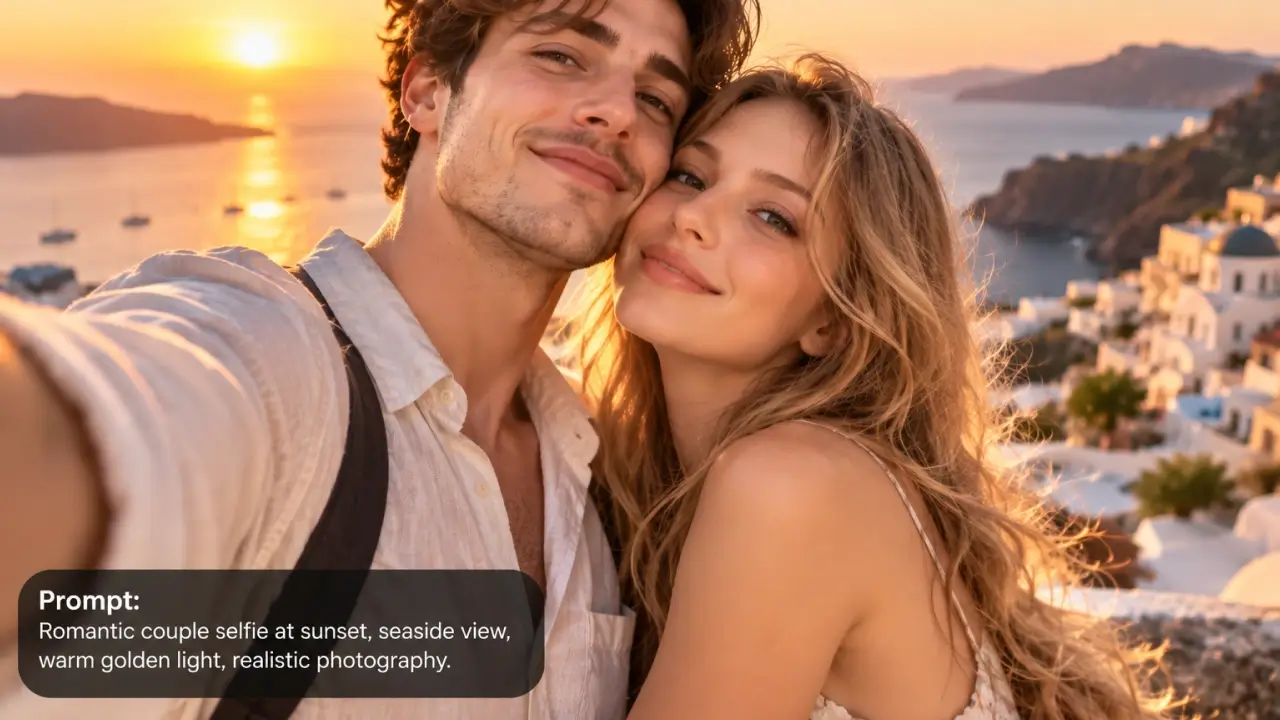
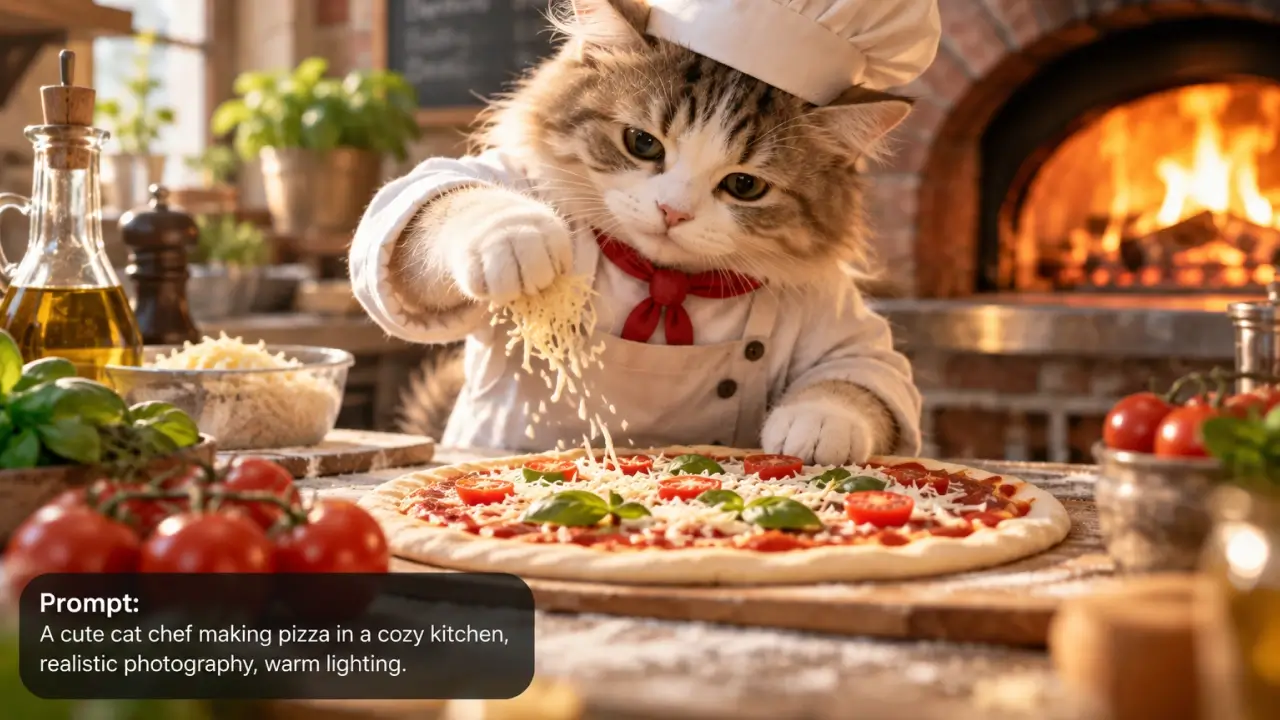
Input
A prompt, optionally references
Models available
10, selectable per job
Covers
Photo · illustration · type · vector
Max resolution
Up to 4K on Nano Banana 2
Vector output
On Recraft V4.1
Free tier
3 drafts daily, no account
Typical time
5–40 seconds
Our one-line verdict: one box, ten engines, and the only question that matters: what kind of picture is this. Get that right and the model choice follows — this page is the map.
Text to image is the front door of the whole category, and the reason people get inconsistent results is almost never the prompt — it's that they ran a typography job on a photography model, or asked a fast generalist for something that needed reasoning. The ten engines here genuinely differ: one plans a layout before it draws, one returns editable vector paths, one renders dense multi-line type accurately, one is fast and grounded in web imagery. Same prompt, completely different outcomes. So this page does two things — gives you the prompt craft that transfers across all of them, and routes you to the right one for the picture you're describing.
How to generate an image from text in 3 steps
Decide what kind of picture it is
Photograph, illustration, poster with type, logo or icon. This single decision does more for your result than any prompt tweak, because it decides the model.
Draft it free
Run it on the free tier first, checking composition and colour — both visible at draft quality, and iterating here costs nothing.
Pick the model and finish
Switch to whichever engine suits the job using the routing below, and re-run the same prompt for the clean version.
What people generate
The image the stock library doesn't have
A specific scene, in the brand's palette, generated the afternoon it's needed. This is the use that replaced a licensing budget for most small teams.
Concepts before commitment
Six directions in ten minutes, on the free tier, before anyone spends a day building the real thing. Cheap exploration is the point.
Illustrating the un-photographable
Historical scenes, abstract concepts, diagrams of things that don't exist. Reasoning-backed models handle these far better than pure aesthetic ones.
Where it works well — and where it struggles
The right column is half technical limits and half rules we've chosen. Knowing the failure modes before you upload saves more time than any guide.
Where it works well
• Ten specialists, one box.
Photography, illustration, typography, vectors and layout-heavy design each have a model built for them, and the routing below matches the job to the engine.
• Prompt language transfers.
The wording that works on one model works on the others. Draft free, find the phrasing, then re-run it wherever the job belongs.
• Free drafting changes the economics.
Three a day, no account. Composition and colour are visible at draft quality, so the paid render happens once on something you already know works.
• Batches and references.
Several models take reference images or return consistent batches, which is what turns a single image into a coherent set.
Where it struggles
• Hands, teeth and small text.
Still the tells across every model. Check at full size, and put critical text in your design tool rather than fighting for a clean render.
• Real people.
No generating recognisable real people, public figures included. Fictional faces are fine.
• Exact brand assets.
Logos and precise packaging text drift. Generate the scene, place the real asset afterwards.
• One model for everything.
The most common mistake on this page. A photography model will make a mediocre poster and a typography model will make a mediocre photograph — the routing below exists for a reason.
Which model should draw it?
Questions, answered straight
Decide what kind of picture it is first — photograph, illustration, type-heavy design, or vector — because that decides the model. Then draft the prompt free, and re-run it on the engine the routing section above points to. The same wording works across all ten.
Other tools on this site
When the output has to look like a photograph.
Change an image you already have.
Turn the image you just generated into a clip.